The Fastest Mobile Testing Lab in the Cloud
Access 5,000+ real iOS and Android devices instantly on pCloudy's remote test lab—fast, lag-free, and just like testing on a device in your hand. Real device testing without compromise.


Up and Running in Under 5 Minutes
No infrastructure to set up. No SDK to install. pCloudy's cloud device testing platform is ready the moment you sign up — no demo required before you can try it.
Sign up free
Account ready in 30 seconds. No credit card, no sales call.
Upload your build
Drop your APK or IPA, pull from the App Store or Play Store, or fetch from your CI output. On-device in under 30 seconds.
Select & test
Choose from 5,000+ real devices. Connect instantly and start testing manually or run your automation suite.


Fast Isn't a Feature. It's the Whole Point.
Real mobile device testing on other platforms comes with a hidden cost: wait time. pCloudy's mobile testing lab is engineered to eliminate that wait at every step.
< 3 sec
Device connection
Click a device, you're in. No spin-up queue, no progress bar — consistently under 3 seconds, any device, any time zone.
< 30 sec
Build upload & install
Upload your APK or IPA and it's installed on-device in under 30 seconds.
Zero-lag
Device interaction
Tap, swipe, pinch, type — with no perceptible delay. Testing feels like holding the device.
Instant
Results & logs
Screenshots, logs, and session recordings are ready the moment your session ends.
Full-speed
Parallel sessions
Run across multiple devices simultaneously with no throttling.
Every Way to Connect. Zero Friction.
Upload builds, install from app stores, connect via API, or test behind your firewall. pCloudy's mobile device testing platform meets you wherever you are.
Direct APK / IPA upload
Drag and drop your build from your machine.
App Store & Play Store
Install public or internal apps directly onto real devices.
URL / CDN upload
Point to any hosted build URL. pCloudy fetches and installs automatically.
CI pipeline artifacts
Every successful build is instantly available for device testing.
REST API
Full programmatic access to devices, sessions, uploads, and results.
CLI
Run device sessions, upload builds, and trigger tests from your terminal.
App distribution
Distribute builds via Firebase App Distribution, MS App Center, or TestFlight.
Local / VPN testing
Test apps against staging servers behind your firewall.
Manual Mobile Testing Lab — Every Feature You Need
Every session is built to eliminate the gap between what you test and what your users experience.
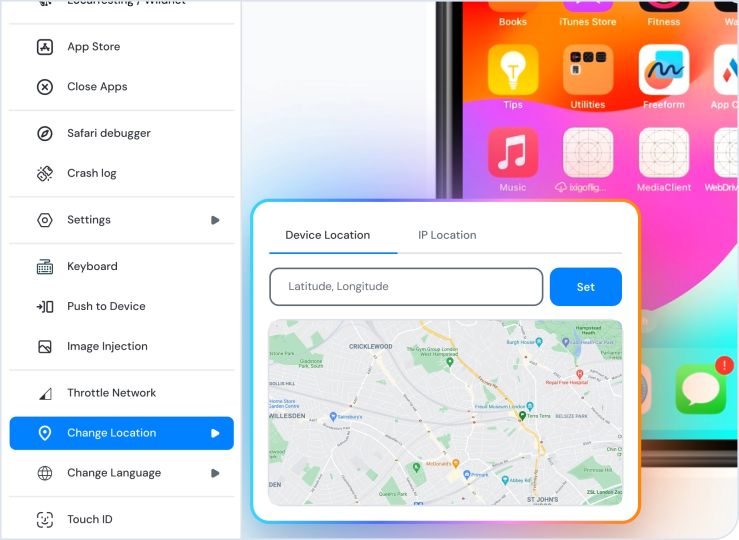
GPS & location spoofing
Set custom coordinates to test maps, delivery flows, geo-fencing, and region-specific logic — without leaving your desk.
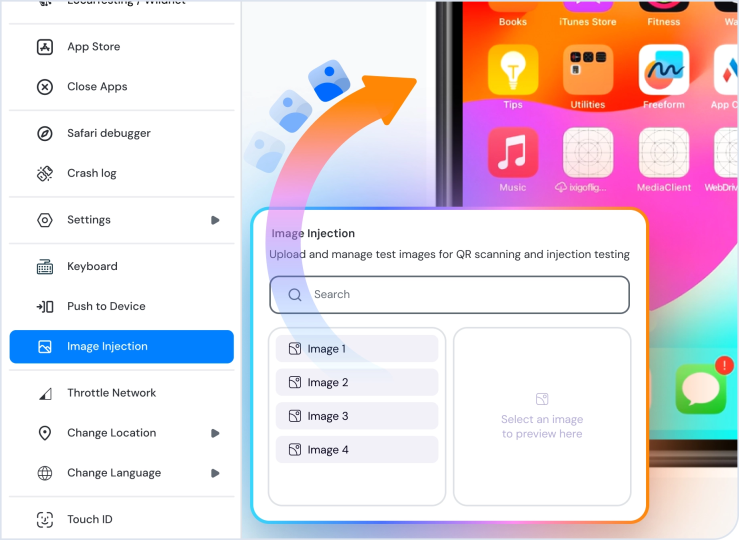
Camera & media
Inject images, videos, and QR codes into the camera input. Test barcode scanning, AR, and media upload flows without physical props.
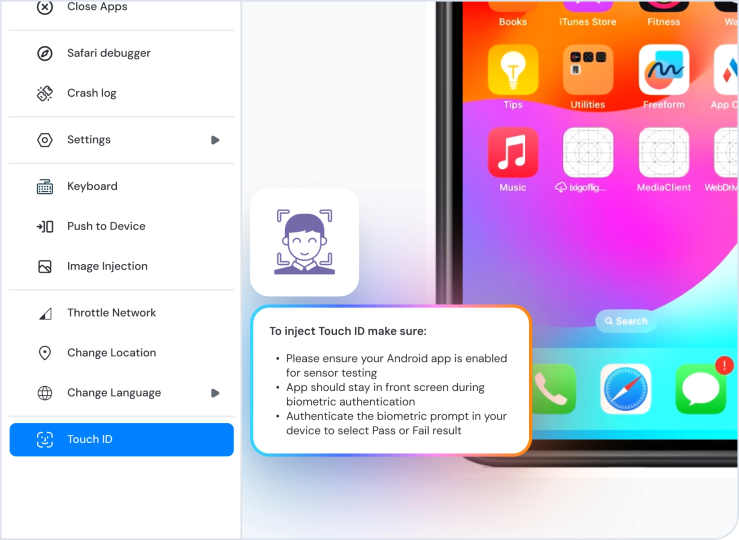
Biometric simulation
Simulate fingerprint on Android and Face ID on iOS to test secure login, payment authorization, and biometric-gated flows.
Physical SIM testing
Test real SMS delivery, OTP flows, and carrier-dependent behavior using physical SIMs on select devices.
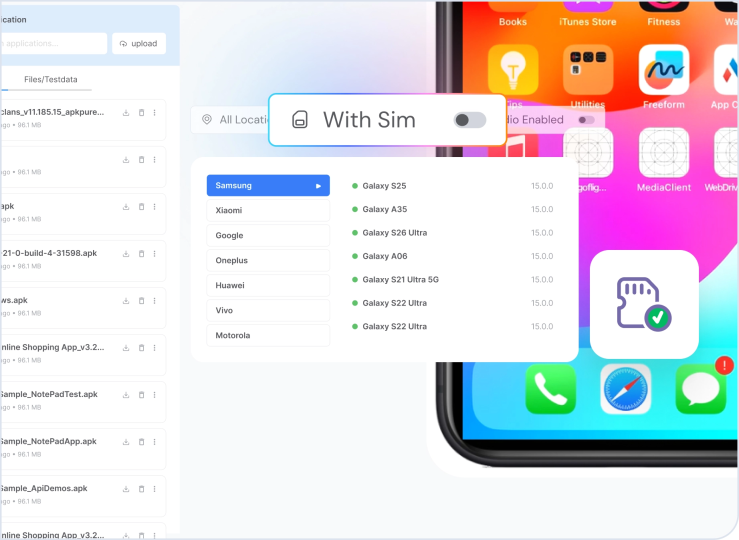
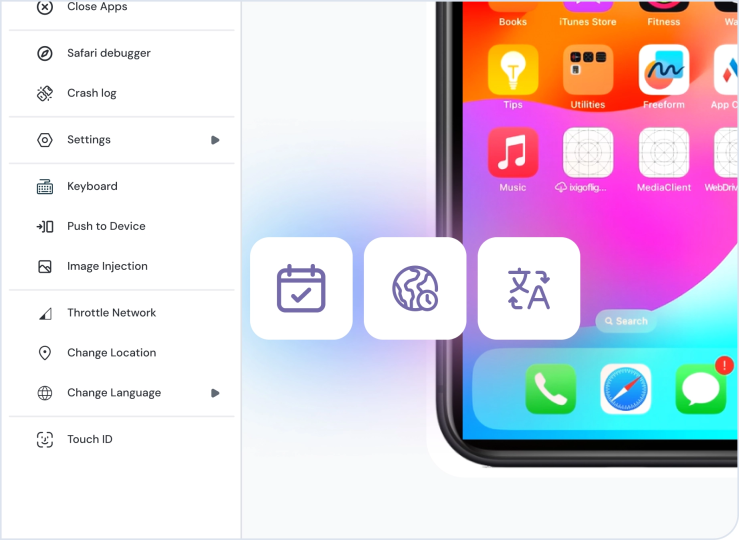
Device state control
Set date, time, timezone, locale, and language before your session. Reproduce localization bugs and time-sensitive scenarios.
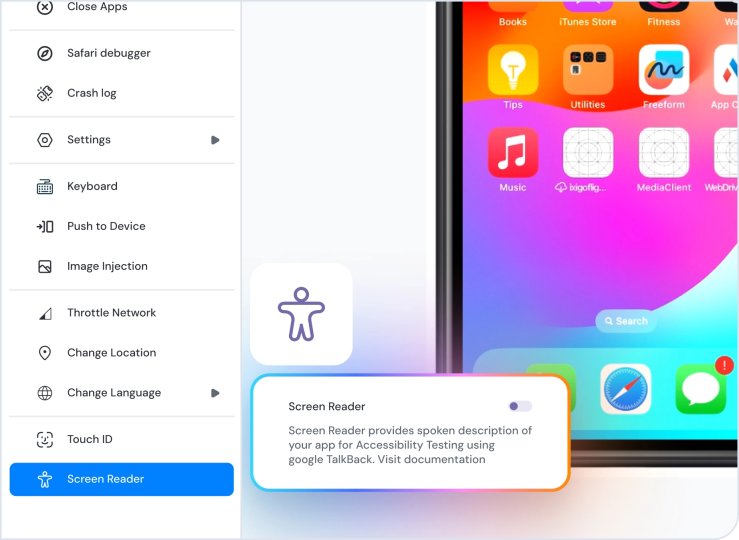
Accessibility testing
Verify TalkBack (Android) and VoiceOver (iOS) on real devices using actual assistive technology — not a simulation.
Bug reporting
File directly to Jira, GitHub, or Slack from within your session. Screenshots auto-attach. No context lost.

Test on Real Devices With Every Major Framework
Run your existing automation suite for real device cloud testing on iOS and Android — no script changes, no capability rewrites.
Appium 1.x & 2.x
Your existing Appium scripts run as-is on real devices. No wrapper, no capability changes.
Espresso
Native Android test framework on real hardware — faster and more reliable than emulators.
XCUITest
Native iOS framework on real iPhones and iPads. Real device behavior, not a simulator.
Debug Without Leaving the Session
Your full debugging toolkit is built into pCloudy's mobile device lab.
App & device logs
Live logs from your app and the device OS, side by side. Filter, search, download.
Network traffic inspector
Intercept and inspect HTTP/HTTPS traffic via Charles Proxy in real time.
UI element inspector
Click any element to inspect properties, hierarchy, and locators.
Appium inspector
Validate element locators directly from your session before writing script.
ADB shell — Android
Full ADB shell access from your browser. Run commands, pull files.
Firebase Crashlytics
View crash reports alongside your live session in real time.
AI Agents for the Full Testing Lifecycle
Five specialized agents that cover every stage — from generating tests to triaging failures.
Test Generation
Describe a user flow in plain language — the agent generates test cases covering happy paths, edge cases, and boundary conditions.
Test Automation
Converts test cases into executable, production-ready Appium scripts your team can own and version-control.
Self-Healing
When UI changes break locators, the agent finds the best available match and keeps tests running.
Test Orchestration
Decides which tests to run, on which devices, in what order — optimizing for coverage, risk, and speed.
Failure Analysis
Triages failures automatically — surfaces root cause, groups related issues, and separates real bugs from flaky tests.
Works With the Stack You Already Have
pCloudy slots into your existing workflow — CI/CD, issue tracking, test management — without disruption.
Enterprise Security. Built In, Not Bolted On.
Every session is sandboxed. Every build encrypted at rest. Every session ends with a clean device.
Session isolation
Every session on pCloudy's mobile device lab is fully isolated. App data, credentials, and cache are wiped at session end.
End-to-end encryption
All traffic is TLS 1.2+ encrypted. Builds are encrypted at rest.
SSO / SAML 2.0
Compatible with Okta, Azure AD, Google Workspace, and any SAML-compliant identity provider.
Role-based access control
Granular permissions per user, team, and device pool.
SOC 2 Type II
pCloudy is SOC 2 Type II certified. Compliance report available on request.
Data residency
Data centers in India, USA, Singapore, and Dubai. BFSI and regulated-industry compliance supported.
Compliance & Certifications




Built for Teams, Not Just Individual Testers
From 5 testers to 500 — the controls your leads need to run testing at scale without chaos.
Concurrent sessions
Multiple team members test simultaneously — no queuing, no conflicts.
Shared device pools
Assign devices to specific teams. Prevent resource contention.
Usage analytics
Track utilization, session duration, and test coverage by team member.
Admin controls
Centralized panel for user management, device access, usage limits, and audit logging.
Team Dashboard
12 active sessions
98.2%
Uptime
2.1s
Avg connect
847
Tests today
iOS — QA Team
24 devices
Android — Automation
36 devices
Cross-browser
18 devices
Trusted by security-first teams


Frequently Asked Questions
Stop Waiting. Start Testing.
Access the fastest mobile testing lab in the cloud — no setup, no credit card, no sales call.


